“This post may contain affiliate links. If you buy through them, we may earn a commission.”
32″! Why Your Desk Needs a Serious Intervention
Okay, look. We need to have an honest chat about your setup. Who hasn’t dreamed of a clean, minimalist workspace? The whole two-monitor thing? It was cool for a minute, but that annoying black bezel line splitting your vision right down the middle? It’s a nightmare. And the cable management is usually a disaster. If you’re reading this, you’re ready to upgrade to the PRO level.
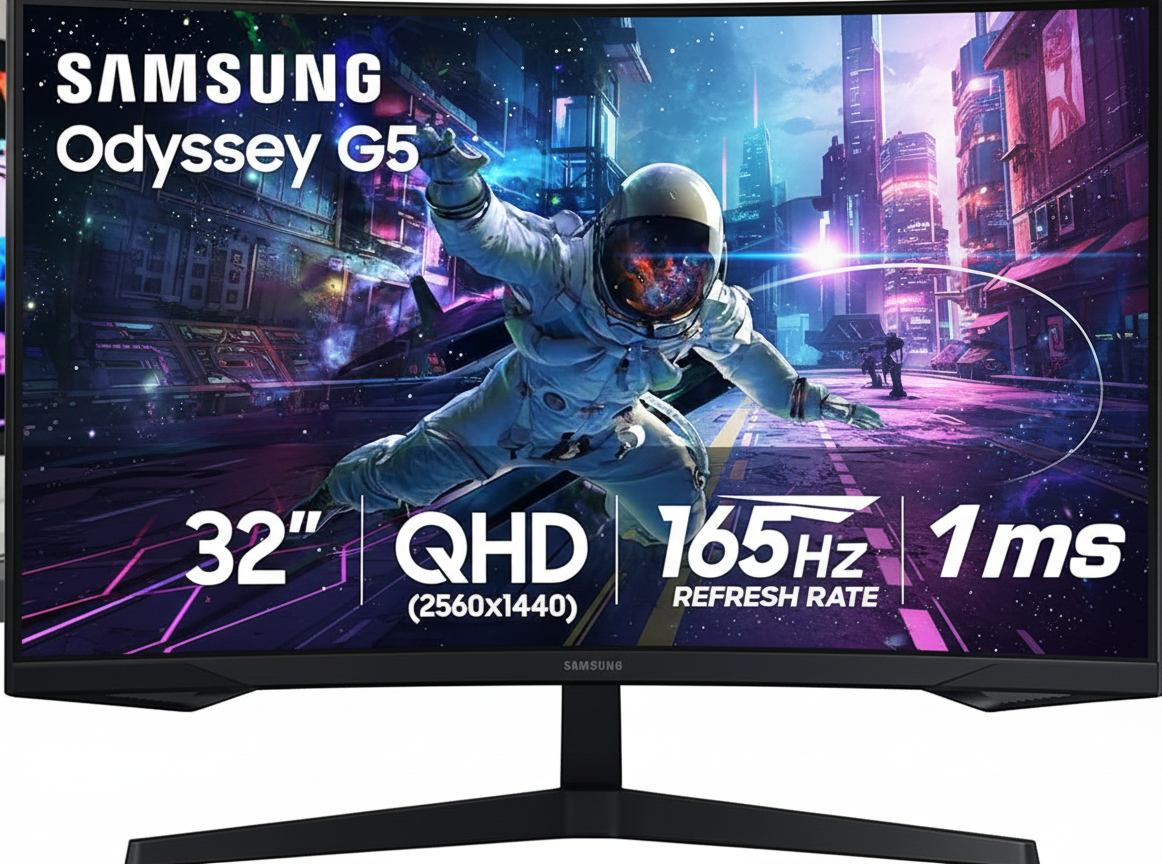
The Samsung Odyssey G55C is basically the answer to all that clutter and complication. It’s priced brilliantly—not the terrifyingly expensive monster, but also not the budget option—making it a super smart buy. But before you click ‘add to cart,’ let’s see if this huge curved screen really lives up to the hype.
“Check the latest price of the Samsung Odyssey G55C on Amazon here.”
Why the 1000R Curve Changes Everything (Seriously)
A lot of people think the curve is just for the hardcore gamers, right? But here’s the secret: it’s not. The G55C rocks a 1000R curve, which is the tightest and most aggressive curve you can get. What that means is the monitor wraps around you perfectly. When you stare at a huge flat screen, your eyes have to constantly strain to focus on the corners. With this 1000R, everything is exactly the same distance from your eye. It’s a genuine break for your vision when you’re hitting that 8-hour mark.
- For the 9-to-5: It’s honestly game-changing. You can easily have four documents, or your code, your design tools, and Slack all open simultaneously. No more frantic clicking between screens. It seriously turbo-charges your ability to multitask.
- For the Fun: Once work is done, the G55C truly shines. With that super-fast 165Hz refresh rate and 1ms response time, everything is silky smooth—no blurring, no ghosting. Plus, features like FreeSync mean you get zero screen tearing. The deep curve pulls you right into the game—it’s super immersive.
The Math: Why This Isn’t as Expensive as It Seems
Yes, it’s a big purchase, no doubt. But think about the hidden costs. If you buy two decent 27-inch monitors, plus two VESA mounts, plus all the extra cables and power strips, you’re already close to the cost of the G55C.
What you’re actually paying for here is simplicity and efficiency. You’re ditching the clutter for one stunning piece of gear that tackles both professional work and intense gaming flawlessly. It’s the smart way to upgrade.
Final Take: Is the Odyssey G55C the Monitor You’ve Been Waiting For?
Look, if you only use your computer to check Facebook, save your money. But if you’re a serious professional, a creator, a coder, or a dedicated gamer someone who spends serious time at their desk this is the monitor you should get. It’s the one purchase that makes you lean back in your chair and think, “Alright, now my setup is complete.”
If you’re ready to stop fighting with your desk and start enjoying a truly immersive screen, click below.
“Check availability: This popular model often sells out quickly.”